
How to Use Free Browser Games in the Classroom (With Zero Setup)
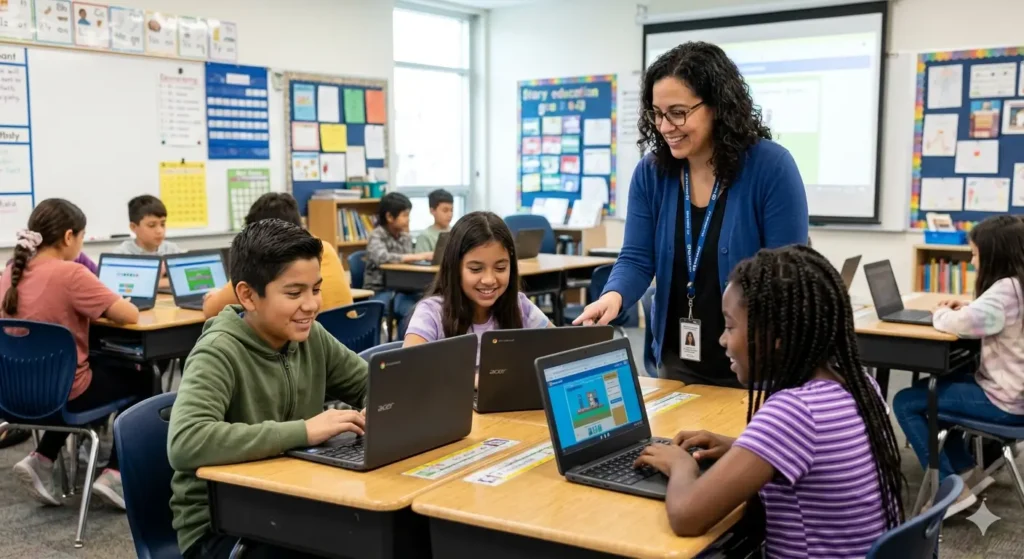
Every teacher knows the moments where a game would be perfect. The last ten minutes before lunch when the class has lost focus. The five minutes after finishing a lesson early. The Friday afternoon session where you need something engaging but low-pressure. The problem is usually finding something that actually works on school computers without a download request, a login form, or a blocked site.
This guide is for exactly those moments. Everything here runs in a browser, requires no account, and loads on the kind of hardware schools actually have. The games are all from EduDu and every suggestion below has a specific classroom use case attached to it.
The Warmup Activity
A five minute warmup at the start of a lesson does two things. It settles the class and it activates the thinking that the lesson needs. The best warmup games are ones kids can start immediately without explanation and that build the cognitive skills the lesson will use.
Kobadoo Arithmetic

Kobadoo Arithmetic is the most reliable warmup game on EduDu for any lesson involving numbers. It presents arithmetic problems against a countdown timer and gets faster as students improve. Five minutes before a maths lesson does more to activate number thinking than any paper warmup exercise, and students are visibly more switched on when they come to the lesson content afterwards.
Practical tip: put it on the board for the whole class to see and call out answers together. The competitive energy this creates in the first five minutes carries through the lesson.
Play Kobadoo Arithmetic on EduD
Kobadoo Flags

For geography or social studies lessons, Kobadoo Flags is an ideal opener. Show a flag, ask the class to call out the country before the answer appears. It generates discussion naturally and gives students a sense of what they already know before the lesson reveals what they do not.
Teachers who use it regularly report that students start looking up flags in their own time, which is exactly the kind of curiosity a good lesson should produce.
Kobadoo Emojis

For younger classes or lessons focused on patterns and sequences, Kobadoo Emojis works brilliantly as an opener. It requires no reading ability which means every child in the room can participate from the first second. The emoji format also tends to produce genuine laughter, which is not a bad way to start a lesson.
The Brain Break
Research on attention consistently shows that students learn more effectively when learning is broken into chunks with short active breaks between them. The best brain break games are short, engaging, and easy to stop. They should feel like pressing a reset button on focus rather than switching off entirely.
Three Cups Game

The Three Cups Game is a digital version of the classic shell game. A ball is hidden under one of three cups, the cups are shuffled, and students track which cup hides the ball. It takes under a minute per round, requires no explanation, and produces exactly the kind of focused attention reset that a brain break should.
At lower speeds even young students can succeed, which builds confidence. At higher speeds it challenges even the most attentive students, which keeps older classes engaged.
Awareness Game: The Robot Bar

The Awareness Game is a spot the odd detail game set in a robot bar. Students have to find what does not belong in the scene. A single round takes two to three minutes and the discussion it generates, about what people noticed and what they missed, is often more valuable than the game itself.
It is particularly effective before lessons that require careful reading or detailed analysis, because it primes students to look properly rather than skim.
The Early Finisher Activity
Every class has students who finish work ahead of time. Having a go-to activity for early finishers that is genuinely enriching rather than just time-filling is something teachers consistently say they need. The games below are complex enough to hold attention for an extended period and rewarding enough that finishing early feels like a genuine perk rather than a punishment.
Puzzlebot
Puzzlebot requires students to plan a complete sequence of moves before the robot acts. It builds computational thinking, logical sequencing, and the patience to plan before acting rather than trial and error. Students who spend twenty minutes on Puzzlebot are genuinely exercising the same thinking skills that underpin coding and structured problem solving.
It is also appropriately challenging for students of different ability levels because the levels increase in complexity gradually. A student who finishes in ten minutes can keep playing and find new challenges within the same game.
Lipuzz Water Sort Puzzle

Lipuzz is a sorting and planning puzzle that has no timer and no penalty for mistakes. This makes it ideal as an extended activity because there is no frustration loop. Students can sit with a difficult level, think it through carefully, and experience the satisfaction of solving it without any pressure to perform quickly.
For students who find competitive or timed games stressful, Lipuzz is a genuinely comfortable challenge that still builds real thinking skills.
Play Lipuzz Water Sort Puzzle on EduDu
The Whole Class Activity
Sometimes you want the whole class playing together rather than individually. These games work well on a classroom projector with students taking turns or calling out answers collectively.
My First 100 Words

For early years classes, My First 100 Words works perfectly as a shared activity. Put it on the projector, show the word, and ask the class to identify the matching picture together. The immediate visual feedback means every student knows whether they were right without any individual pressure.
It also works well as a literacy intervention tool for any class with students who are still building core vocabulary, since the visual association approach is genuinely effective for that age group.
Play My First 100 Words on EduDu
Cut the Rope

Cut the Rope on a projector with the whole class calling out instructions is one of those classroom moments that gets remembered. Show a level, ask the class to discuss what they think the right move is, take a class vote, then execute. The physics feedback is immediate and the discussion about why a move worked or failed is genuinely educational about cause and effect, gravity and planning.
It sounds informal but the thinking it produces in a group setting is real.
Match Mystery

Match Mystery pairs related concepts rather than identical images, which makes it a useful tool for reinforcing connections between ideas across almost any subject. A teacher can use it as a review activity by asking students to explain why two matched cards belong together. That moment of verbal explanation is where understanding moves from surface recognition to genuine comprehension.
A Practical Note on School Networks
If a game is loading slowly or not loading at all, the most common cause is network filtering rather than the game itself. EduDu games are hosted on standard content delivery networks used by major publishers, but some school IT configurations block gaming domains by default.
The simplest solution is to contact your IT administrator and ask them to whitelist edudu.org. Because the site requires no login and contains no user data collection, most IT teams approve this request quickly.
All games on EduDu are HTML5 and do not require Flash, plugins, or any browser extension. They work on Chrome, Firefox, Edge and Safari including older versions of each.
Explore all free games at EduDu.org.